
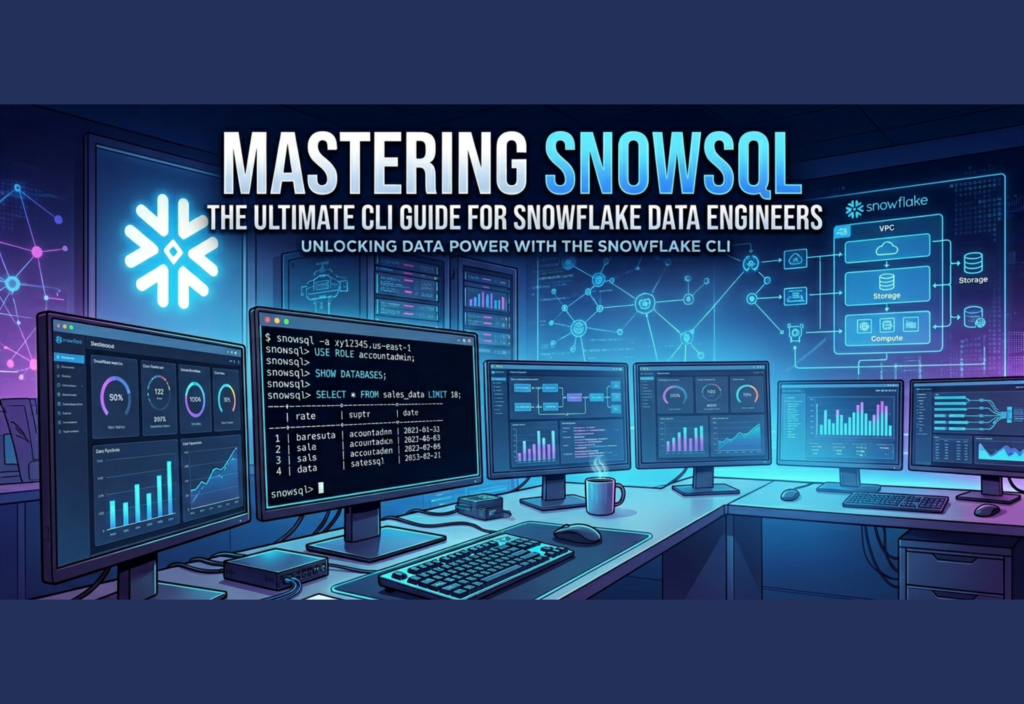
In today’s data-driven world, efficiency and automation are essential for every data engineer. This SnowSQL CLI Guide will help you understand how to use Snowflake’s command-line interface to streamline workflows, automate tasks, and manage data operations more effectively. Instead of relying only on graphical tools, mastering SnowSQL allows you to work faster, smarter, and at scale.
This comprehensive guide explores SnowSQL from the ground up, covering practical usage, advanced techniques, and production-ready strategies.
Understanding SnowSQL in Depth
SnowSQL is Snowflake’s official CLI tool that allows users to connect to their Snowflake environment and execute SQL commands directly from a terminal. However, its capabilities go far beyond simple query execution.
It acts as a bridge between manual data operations and fully automated data engineering pipelines. With SnowSQL, you can:
- Run complex SQL queries instantly
- Execute bulk scripts
- Automate ETL workflows
- Integrate Snowflake with external systems
- Control data operations programmatically
This makes SnowSQL an essential tool for engineers who want precision and control over their data processes.
Why SnowSQL Matters in Modern Data Engineering
The role of a data engineer has evolved significantly. It’s no longer just about writing queries—it’s about building scalable, reliable systems. SnowSQL fits perfectly into this paradigm.
1. Automation at Scale
Manual query execution is not sustainable in production environments. SnowSQL enables full automation, allowing engineers to schedule jobs and run pipelines without human intervention.
2. Seamless Integration
SnowSQL integrates easily with scripting languages like Bash and Python, making it a natural fit for CI/CD pipelines and DevOps workflows.
3. Enhanced Productivity
Switching between dashboards and tools can slow down workflows. SnowSQL centralizes operations, enabling faster execution and better focus.
4. Fine-Grained Control
From transaction handling to output formatting, SnowSQL provides greater control compared to graphical interfaces.
Installing and Setting Up SnowSQL
Installation is straightforward and supported across major operating systems including Windows, macOS, and Linux. After downloading the appropriate package, follow the installation steps provided by Snowflake.
To confirm installation:
snowsql –version
Once installed, the next step is configuration.
Configuring SnowSQL for Efficiency
Instead of entering credentials repeatedly, SnowSQL allows you to define connection settings in a configuration file. This improves both productivity and security.
Typical configuration includes:
- Account identifier
- Username
- Default warehouse
- Database and schema
- Output preferences
Using configuration profiles, you can easily switch between environments such as development, staging, and production.
Connecting to Snowflake
A basic connection can be established using:
snowsql -a <account> -u <username>
For more advanced setups, you can use:
- Key-pair authentication
- Single Sign-On (SSO)
- Environment variables
These methods enhance security and are recommended for production environments.
Executing Queries Efficiently
Once connected, SnowSQL allows you to run SQL queries directly:
SELECT CURRENT_VERSION();
You can also:
- Format output as CSV, JSON, or table
- Redirect output to files
- Run multiple queries in sequence
This flexibility is especially useful for reporting and data export tasks.
Working with SQL Scripts
One of SnowSQL’s most powerful capabilities is executing SQL scripts. Instead of running commands manually, you can store them in files and execute them in bulk.
snowsql -f script.sql
This approach is widely used for:
- Data transformations
- Schema migrations
- Batch processing
- Data loading and unloading
Scripts can also include variables, making them dynamic and reusable.
Variables and Parameterization
SnowSQL supports variables, allowing you to create flexible and reusable scripts.
Example:
!set variable_substitution=true;
SELECT * FROM orders WHERE order_date = ‘&date’;
This enables dynamic query execution, which is crucial for automation workflows.
Automating Data Pipelines
Automation is where SnowSQL truly excels. By combining it with shell scripts, you can build complete data pipelines.
Example bash script:
#!/bin/bash
snowsql -f extract.sql
snowsql -f transform.sql
snowsql -f load.sql
You can schedule this script using cron jobs or orchestration tools like Airflow, turning SnowSQL into a core component of your ETL pipeline.
Integrating with CI/CD Pipelines
SnowSQL can be integrated into CI/CD workflows to automate database changes and deployments.
Common use cases include:
- Running migration scripts during deployment
- Validating SQL changes
- Automating testing workflows
- Managing version-controlled data pipelines
This ensures consistency and reduces deployment risks.
Output Management and Data Export
SnowSQL allows you to export query results into files:
snowsql -q “SELECT * FROM customers” -o output_file=customers.csv
This is particularly useful for:
- Data sharing
- Reporting
- Backup operations
You can also customize delimiters and formatting options.
Security Best Practices
Security is critical in data engineering. When using SnowSQL:
- Avoid hardcoding credentials
- Use environment variables
- Implement key-pair authentication
- Rotate credentials regularly
- Limit user permissions
These practices help protect sensitive data and maintain compliance.
Performance Optimization Tips
Efficient use of SnowSQL also involves optimizing performance:
- Use appropriate warehouse sizes
- Optimize SQL queries
- Avoid unnecessary data scans
- Monitor query performance
- Use caching where applicable
Small improvements can lead to significant cost savings in Snowflake.
Common Errors and Troubleshooting
Some common issues include:
- Connection failures: Check account identifier and network settings
- Authentication errors: Verify credentials or authentication method
- Query errors: Debug SQL syntax and permissions
- Timeout issues: Adjust session settings or warehouse size
Understanding these issues helps maintain smooth workflows.
SnowSQL vs GUI: When to Use What
While Snowflake’s web interface is beginner-friendly, SnowSQL is better suited for advanced use cases.
Use SnowSQL when:
- You need automation
- You are working with scripts
- You are managing pipelines
- You want faster execution
Use the GUI when:
- You are exploring data
- You need visual insights
- You are debugging queries interactively
A balanced approach often works best.
Real-World Use Cases
SnowSQL is widely used in production environments for:
- Daily ETL job execution
- Data warehouse maintenance
- Automated reporting systems
- Data migration between environments
- Integration with orchestration tools
Its flexibility makes it suitable for both small projects and enterprise-scale systems.
Future of CLI-Based Data Engineering
As data systems become more complex, automation will continue to dominate. CLI tools like SnowSQL will play a crucial role in:
- Infrastructure-as-code
- DataOps practices
- Real-time data processing
- Scalable cloud architectures
Mastering SnowSQL today prepares you for the future of data engineering.
Final Thoughts
SnowSQL is more than just a command-line tool—it’s a gateway to efficient, scalable, and automated data engineering. By moving beyond manual workflows and embracing CLI-driven processes, data engineers can unlock higher productivity and better system reliability.
Whether you’re building small pipelines or managing enterprise-scale data systems, SnowSQL provides the flexibility and power needed to succeed in today’s fast-paced data landscape.
Master it, and you’ll not only improve your workflow—you’ll elevate your entire approach to data engineering.

