
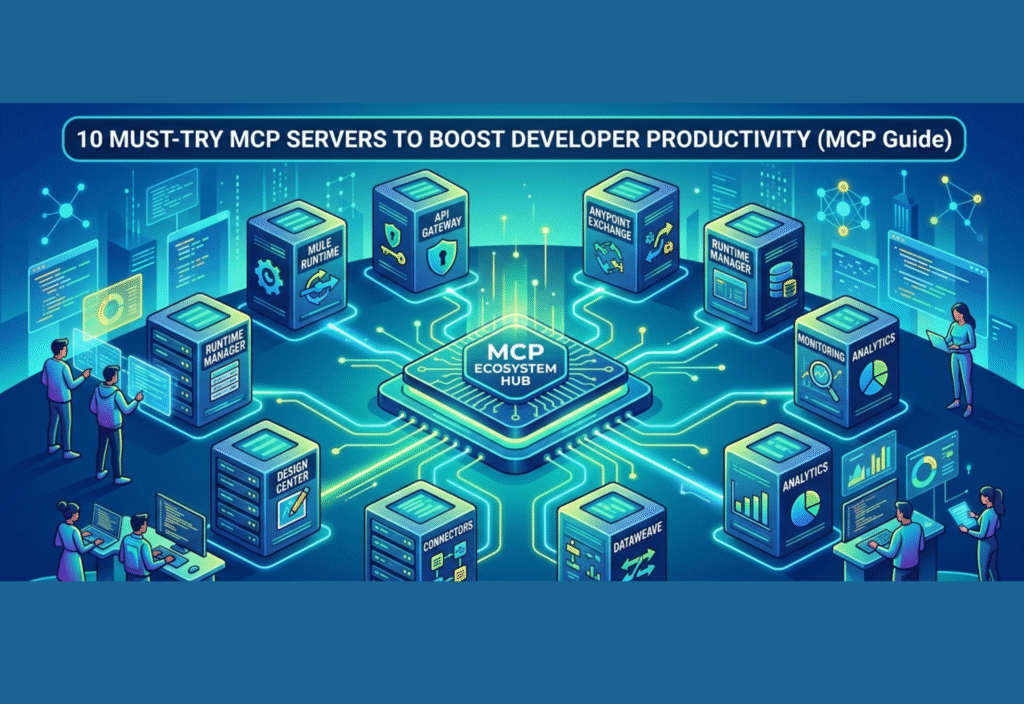
Modern software development is evolving rapidly, and developers are under constant pressure to deliver faster, cleaner, and more scalable solutions. With the rise of AI-assisted coding and automation, a new concept is gaining traction: Model Context Protocol (MCP).
MCP servers are changing how developers interact with tools, data, and workflows. Instead of manually connecting systems, developers can now rely on MCP servers to create a seamless, intelligent ecosystem.
In this comprehensive guide, you’ll learn:
-
What MCP servers are
-
Why they matter
-
How they improve productivity
-
And the 10 best MCP servers you should start using today
What is Model Context Protocol (MCP)?
Model Context Protocol (MCP) is a standardized framework that allows AI models and applications to interact with external systems in a structured and efficient way.
An MCP server acts as a middle layer between:
-
AI tools (like coding assistants)
-
External systems (files, APIs, databases, cloud platforms)
This means instead of writing custom integrations every time, developers can use MCP servers to simplify communication between tools.
Why MCP Servers Are a Game-Changer
Traditional development workflows often involve:
-
Switching between multiple tools
-
Writing repetitive scripts
-
Manually managing integrations
MCP servers eliminate these inefficiencies by offering:
1. Automation at Scale
Routine tasks like file handling, deployments, and testing can be automated.
2. Seamless Integration
Different tools and platforms can communicate effortlessly.
3. AI-Powered Development
AI can directly interact with your development environment.
4. Faster Debugging
Real-time data access improves troubleshooting speed.
5. Improved Collaboration
Teams can share unified workflows and systems.
10 Must-Try MCP Servers for Developers
Let’s explore the most powerful MCP servers in detail:
1. File System MCP Server
The File System MCP server is one of the most fundamental tools. It allows AI and automation systems to directly interact with your local or remote file system.
Features:
-
Read and write files
-
Create and delete directories
-
Search for specific content
Use Case:
Imagine asking an AI assistant to refactor code across multiple files — this server makes it possible.
Productivity Boost:
Eliminates manual file handling and speeds up project navigation.
2. Git MCP Server
Version control is at the heart of modern development, and the Git MCP server enhances it with automation.
Features:
-
Create commits automatically
-
Manage branches
-
Analyze code history
Use Case:
AI can generate commit messages, resolve merge conflicts, or suggest improvements.
Productivity Boost:
Reduces time spent on version control tasks.
3. Database MCP Server
For backend developers, database interaction is crucial. This server connects AI directly with databases.
Features:
-
Execute SQL queries
-
Retrieve structured data
-
Update and delete records
Use Case:
AI can generate queries, analyze datasets, or optimize performance.
Productivity Boost:
Speeds up database management and reduces query errors.
4. API Integration MCP Server
APIs are everywhere, and this server simplifies how developers interact with them.
Features:
-
Send API requests
-
Handle authentication
-
Process responses
Use Case:
Automatically fetch data from third-party services or integrate multiple APIs.
Productivity Boost:
Removes the need for repetitive API coding.
5. Browser Automation MCP Server
This server enables automation of browser-based tasks.
Features:
-
Web scraping
-
Automated testing
-
Form submissions
Use Case:
Run automated UI tests or extract data from websites.
Productivity Boost:
Saves hours of manual testing and data collection.
6. Terminal MCP Server
The Terminal MCP server gives AI the ability to execute command-line operations.
Features:
-
Run shell commands
-
Install dependencies
-
Monitor system processes
Use Case:
Automate environment setup or deployment scripts.
Productivity Boost:
Reduces reliance on manual terminal commands.
7. Cloud MCP Server
Cloud infrastructure is essential for scalability, and this server connects AI with cloud platforms.
Features:
-
Deploy applications
-
Manage cloud services
-
Monitor performance
Use Case:
AI can handle deployments, scaling, and monitoring tasks.
Productivity Boost:
Simplifies DevOps workflows.
8. Communication MCP Server (Slack/Email)
Communication is key in team environments. This server connects development workflows with messaging platforms.
Features:
-
Send alerts and notifications
-
Share updates
-
Trigger workflows
Use Case:
Notify teams about deployment status or errors.
Productivity Boost:
Improves team coordination and response time.
9. Code Execution MCP Server
This server allows AI to execute and test code in real time.
Features:
-
Run scripts
-
Debug errors
-
Validate outputs
Use Case:
Instantly test code snippets or debug issues.
Productivity Boost:
Accelerates development and testing cycles.
10. Custom MCP Server
For advanced use cases, developers can build custom MCP servers tailored to their needs.
Features:
-
Custom integrations
-
Internal tool support
-
Flexible architecture
Use Case:
Integrate proprietary systems or unique workflows.
Productivity Boost:
Provides maximum control and scalability.
How MCP Servers Improve Developer Workflow
MCP servers transform development workflows in several ways:
-
Centralization: All tools connected in one system
-
Efficiency: Reduced manual effort
-
Speed: Faster execution of tasks
-
Accuracy: Fewer human errors
Challenges of Using MCP Servers
While MCP servers are powerful, there are some challenges:
-
Initial setup complexity
-
Security concerns with integrations
-
Learning curve for beginners
However, these challenges are minor compared to the long-term benefits.
Best Practices for Using MCP Servers
To maximize efficiency:
-
Start with simple servers (File, Git)
-
Use secure authentication methods
-
Monitor logs and activity
-
Regularly update configurations
-
Avoid over-automation in critical systems
Future of MCP Servers
MCP is still evolving, but its future looks promising. We can expect:
-
Deeper AI integration
-
Fully automated development pipelines
-
Smarter debugging tools
-
Cross-platform compatibility
In the coming years, MCP servers may become as essential as Git or cloud platforms.
Conclusion
MCP servers are revolutionizing how developers build and manage applications. By connecting AI with tools, data, and workflows, they eliminate repetitive tasks and unlock new levels of productivity.
Whether you’re a beginner or an experienced developer, adopting MCP servers can significantly enhance your workflow and efficiency.
Now is the perfect time to explore these tools and stay ahead in the evolving tech landscape.