
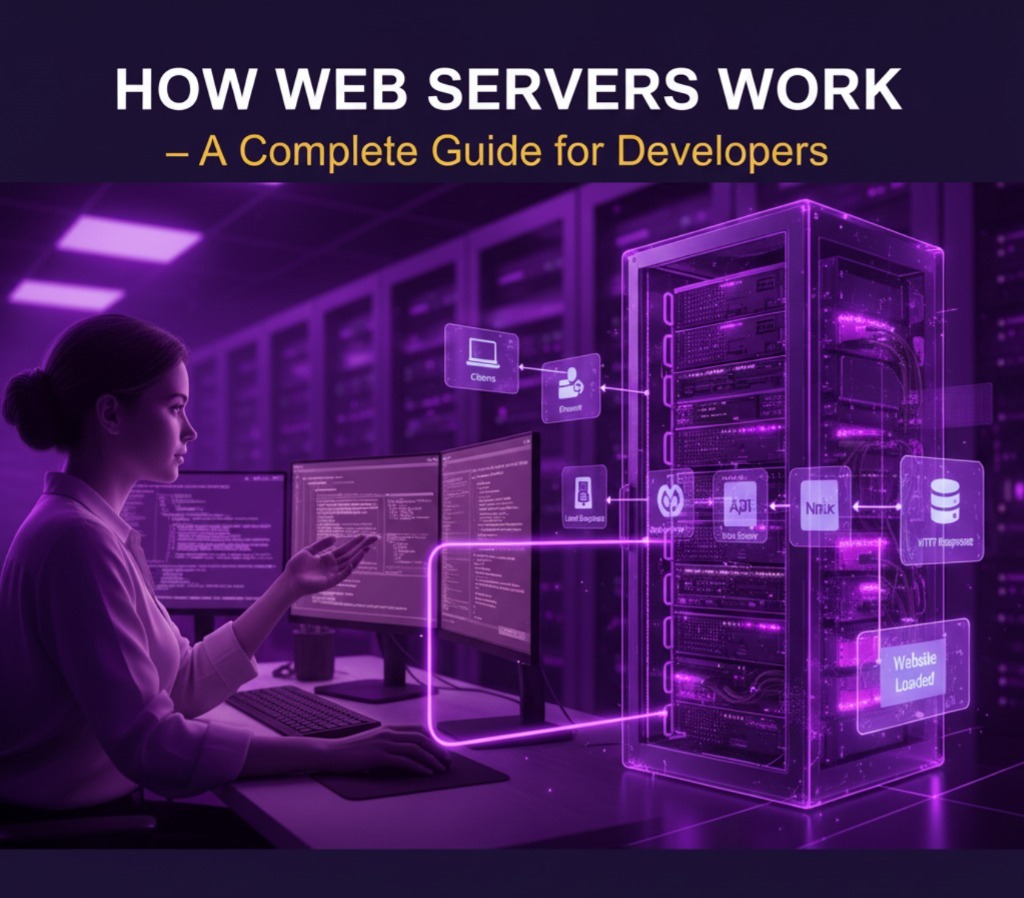
Every time you visit a website, a web server is quietly working behind the scenes to deliver the content to your device. Whether you’re reading a blog, shopping on an e-commerce platform, or streaming your favorite show, web servers are at the core of the entire experience. In this guide, we’ll explore what a web server is, how it functions, the most popular types in 2025, and why every web developer should have a solid understanding of them.
What Is a Web Server?
A web server is a software or hardware system that stores, processes, and delivers web pages to users. When you enter a website’s address—such as infofusionhubs.com—your browser sends a request to the web server. The server then responds by sending the requested content back to your browser, allowing the page to load.
Simplified Example Flow:
You → Browser → Request → Web Server → Response → Website Loads
This seamless exchange happens in milliseconds, but it involves multiple processes working together efficiently.
How Does a Web Server Work?
The process of loading a website involves several steps, each critical for a smooth browsing experience:
User Request
The journey starts when a visitor types a URL or clicks a link on a page. This action sends a request from the user’s browser to the web server hosting the site.DNS Resolution
The domain name (likeexample.com) is converted into an IP address through the Domain Name System (DNS). This step ensures the browser knows exactly where to send the request.Server Processing
Once the request reaches the web server, it locates the requested data—this could be an HTML file, images, scripts, or other resources. If the website relies on dynamic content, the server may also interact with databases to generate the page.Response Delivery
Finally, the web server sends the requested content back to the user’s browser, which renders the page on the screen. Any errors during this process, such as missing pages (404) or server errors (500), are also handled by the web server.
Popular Types of Web Servers in 2025
Developers have a variety of web servers to choose from, each with its own strengths:
Apache HTTP Server
One of the most widely used open-source servers. Known for its flexibility, reliability, and extensive community support, it is ideal for many types of websites.Nginx
Famous for its high performance and ability to handle many simultaneous connections with minimal resources. Often used for large-scale websites and as a reverse proxy.LiteSpeed
A high-performance server optimized for dynamic content and popular content management systems like WordPress. It provides excellent caching options and speed improvements.Microsoft IIS (Internet Information Services)
Commonly used in Windows-based hosting environments. It integrates well with other Microsoft technologies, making it suitable for enterprise applications.Caddy
A modern web server designed for simplicity, security, and automation. It offers automatic HTTPS and SSL certificates, reducing manual configuration efforts.
Why Developers Should Understand Web Servers
A deep understanding of web servers is crucial for developers for several reasons:
Optimize Website Performance
Knowing how your server handles requests can help improve load times and overall user experience.Enhance Security
Understanding server configurations allows developers to protect data and prevent attacks like DDoS or unauthorized access.Troubleshoot Issues
Familiarity with server logs and error messages helps developers quickly diagnose problems like broken links, slow pages, or server crashes.Efficient Deployment
Developers who understand server behavior can deploy web apps and updates more effectively, minimizing downtime and technical issues.
Tips for Managing Web Servers
Effective server management is essential for running a fast and secure website:
Keep Software Updated
Regular updates ensure security patches and performance improvements are applied.Enable HTTPS and SSL
Encrypt data transfers to protect user information and build trust.Use Caching
Implement caching mechanisms to reduce server load and speed up page delivery.Monitor Logs
Regularly check server logs for unusual activity, errors, or potential security threats.Optimize Server Resources
Configure memory, CPU usage, and bandwidth limits to handle traffic efficiently without overloading the server.
Conclusion
In 2025, understanding web servers is no longer optional for web developers—it’s essential. Whether you create blogs, e-commerce platforms, or complex web applications, knowing how web servers work allows you to build faster, safer, and more reliable projects. Mastering this knowledge not only improves your technical skills but also ensures a smoother, more enjoyable experience for users visiting your websites.

