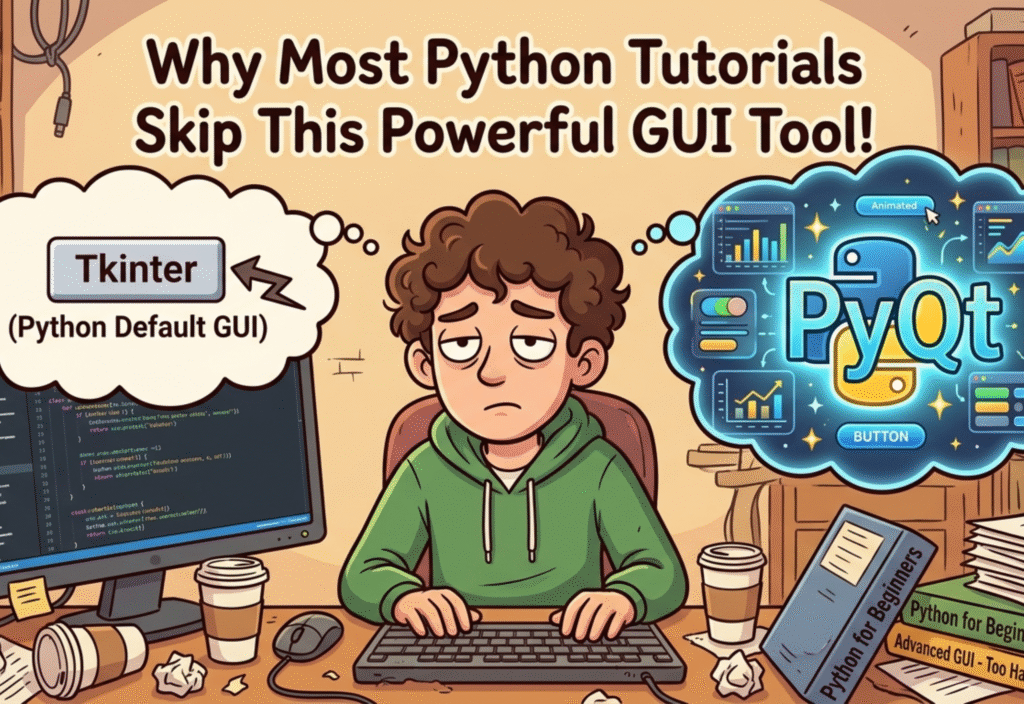
Many beginners wonder why Python tutorials skip PyQt, even though it is one of the most powerful GUI frameworks for building professional desktop applications. Python’s simplicity and versatility make it popular, but when it comes to advanced GUI development, this powerful tool is often overlooked.
In this article, we will explore why most Python tutorials skip PyQt, what makes it so powerful, and why learning it can take your Python skills to the next level.
Understanding Python GUI Frameworks
Python offers multiple frameworks for building GUI applications. The most common and beginner-friendly is Tkinter, which comes bundled with Python. Tkinter allows beginners to quickly create windows, buttons, labels, and other basic elements of a GUI application.
While Tkinter is sufficient for learning the basics, it is limited in its ability to create professional-grade applications. This is where PyQt and PySide come into play. Both frameworks are based on Qt, a widely-used, feature-rich platform for developing modern desktop applications across multiple operating systems.
PyQt provides developers with access to hundreds of ready-made widgets, advanced layouts, and a high degree of customization, making it ideal for applications that require a polished and professional interface.
1. Complexity for Beginners
One of the primary reasons tutorials skip PyQt is its perceived complexity. For a beginner, the concepts of signals and slots, event-driven programming, and layout management can feel overwhelming. Unlike Tkinter, which is relatively straightforward and procedural, PyQt requires understanding object-oriented programming principles more deeply.
For example, creating a button in Tkinter might take only a few lines of code:
import tkinter as tk
root = tk.Tk()
button = tk.Button(root, text=“Click Me”)
button.pack()
root.mainloop()
In PyQt, the same task involves setting up an application object, creating a main window class, and connecting signals to slots:
from PyQt5.QtWidgets import QApplication, QPushButton, QMainWindow
app = QApplication([])
window = QMainWindow()
button = QPushButton(“Click Me”, window)
window.show()
app.exec_()
While not extremely difficult, this extra structure can intimidate beginners, leading tutorials to prefer Tkinter or even skip GUI entirely.
2. Installation and Setup
Another reason PyQt is often skipped is that it doesn’t come pre-installed with Python. Beginners are usually accustomed to using tools that work out-of-the-box, like Tkinter. PyQt requires installing external packages using pip, and sometimes dealing with version compatibility issues.
For example:
While this is a simple command for experienced users, beginners might get confused if dependencies don’t install correctly, or if they are using an older version of Python. Tutorial creators often avoid these extra steps to reduce friction for learners.
3. Professional-Grade Features
PyQt is not just another GUI library — it is designed for professional-level applications. Some of its key features include:
Advanced Widgets: Includes tables, trees, tab widgets, text editors, and more.
Complex Layouts: Allows precise control over alignment, spacing, and resizing of elements.
Drag-and-Drop UI Design: Developers can design interfaces visually using tools like Qt Designer.
Cross-Platform Applications: Applications built with PyQt run on Windows, macOS, and Linux with minimal changes.
Event Handling: PyQt’s signal and slot mechanism allows for robust event-driven programming.
These features make PyQt ideal for building real-world applications like IDEs, media players, and business software. Beginners’ tutorials rarely venture into such advanced territory.
4. Learning Curve
PyQt comes with a steeper learning curve compared to Tkinter. To truly leverage its power, developers need to understand the Qt framework architecture and how PyQt wraps it for Python. This includes learning:
Object-oriented design patterns
Event-driven programming with signals and slots
Custom widget creation
Threading for responsive GUI applications
This learning curve is another reason many tutorials skip PyQt initially, instead focusing on simpler GUI concepts first.
5. Extensive Documentation
While extensive documentation is a huge advantage for developers, it can be overwhelming for beginners. PyQt’s documentation covers hundreds of classes, methods, and features, which can be intimidating if someone is just starting out with Python GUI programming.
Tutorials aiming for a concise and beginner-friendly approach often stick to Tkinter because it has fewer classes and simpler examples, even if it limits the learner’s long-term potential.
6. Why Learning PyQt is Worth It
Despite the challenges, learning PyQt can be a game-changer for your career as a Python developer. Here’s why:
Professional Desktop Applications: PyQt allows you to build sophisticated applications that can compete with commercial software.
Cross-Platform Compatibility: Your apps can run on Windows, macOS, and Linux without major changes.
Modern UI Design: With PyQt, you can create sleek, responsive, and user-friendly interfaces.
Career Opportunities: Knowledge of PyQt is highly valuable in industries that develop enterprise software, scientific tools, or automation solutions.
Many real-world software applications, including popular open-source projects and proprietary tools, are built using Qt, demonstrating the practical power of mastering this framework.
7. Conclusion
Most Python tutorials focus on beginners and prioritize simplicity, which is why they emphasize Tkinter or skip GUI programming altogether. However, if your goal is to create professional, polished desktop applications, PyQt is an incredibly powerful tool that is well worth learning.
By investing the time to understand PyQt, you can elevate your Python skills, create real-world applications, and open doors to advanced software development opportunities.