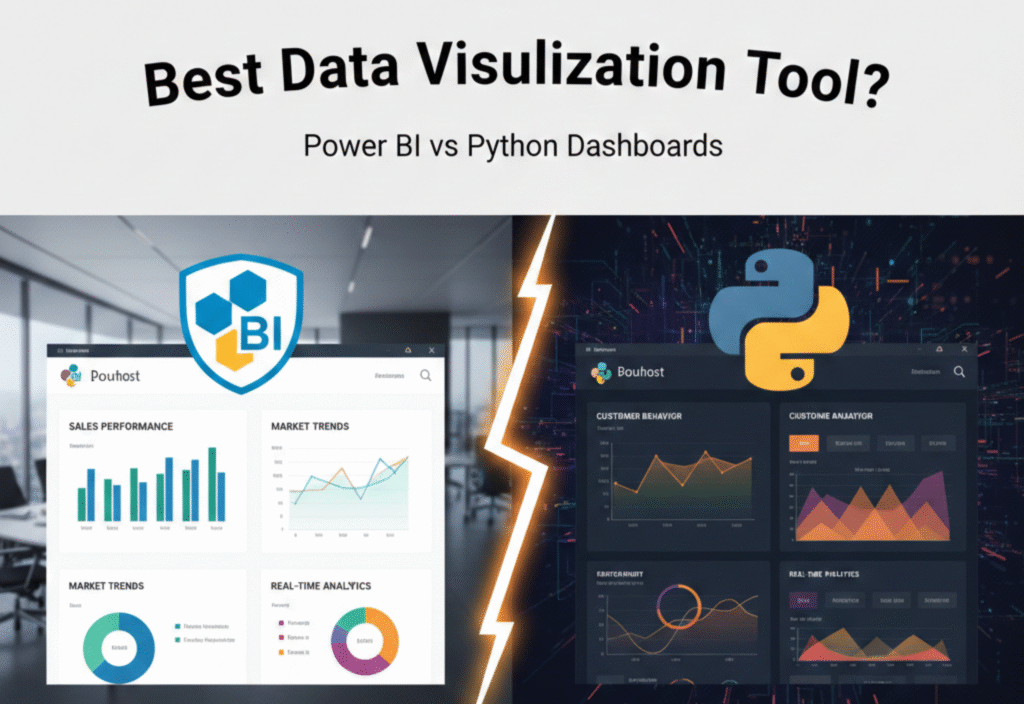
In the modern digital era, organizations depend on data visualization to understand complex information and make confident decisions. Dashboards help transform raw data into clear insights that teams can act on immediately. Among the many tools available today, Power BI and Python dashboards have gained strong popularity because they address different business and technical needs.
This article provides a detailed comparison of Power BI vs Python Dashboards to help you identify which solution works best for your data visualization goals.
Overview of Power BI
Power BI is a business intelligence platform developed by Microsoft. It enables users to connect data from various sources, analyze it efficiently, and present insights through interactive dashboards. Because it uses a visual, drag-and-drop interface, many professionals create dashboards without writing code.
Moreover, Power BI integrates smoothly with Microsoft Excel, Azure, and other enterprise tools. As a result, organizations often choose it for routine reporting and performance tracking.
Main Capabilities of Power BI
Visual dashboard creation with minimal effort
Built-in connectors for databases and cloud platforms
Interactive charts, filters, and drill-down reports
Simple sharing and collaboration features
Strong governance and access control
Overall, Power BI focuses on speed, simplicity, and business reporting.
Overview of Python Dashboards
Python dashboards are built using programming frameworks such as Plotly Dash, Streamlit, Bokeh, and Panel. Developers write Python code to manage data, design layouts, and control interactions. Therefore, Python dashboards offer a high level of flexibility and control.
In addition, Python supports advanced analytics, automation, and machine learning. Because of this, many technical teams prefer Python dashboards for complex and data-intensive projects.
Main Capabilities of Python Dashboards
Fully customizable layouts and workflows
Powerful data analysis with Python libraries
Integration with machine learning and AI models
Real-time data handling through APIs
Open-source tools with no licensing cost
Consequently, Python dashboards suit developers and data scientists who need complete control.
Ease of Learning and Usage
Power BI is designed for users with limited technical backgrounds. Business users can quickly create dashboards using built-in visuals and templates. As a result, teams can generate insights faster without relying heavily on developers.
Python dashboards, however, require programming knowledge. Users must understand Python syntax, data libraries, and sometimes web concepts. Therefore, beginners may need more time to become productive.
Customization and Visual Control
Power BI provides many ready-made visual elements that cover common reporting needs. However, users must stay within the platform’s design framework. While this works well for standard dashboards, it limits deeper customization.
Python dashboards allow developers to design every element from scratch. They can control layout behavior, interactions, and logic. Consequently, Python becomes the preferred choice for highly tailored dashboards.
Data Analysis and Intelligence
Power BI performs well for descriptive analytics such as trends, comparisons, and summaries. It helps teams monitor performance and generate routine reports. However, it does not natively support advanced machine learning workflows.
Python dashboards support advanced analytics by using libraries like Pandas, NumPy, and Scikit-learn. Moreover, developers can embed predictive models and intelligent insights directly into dashboards. Therefore, Python dashboards excel in analytical depth.
Cost Considerations
Power BI offers a free desktop version, which suits individual users. However, sharing and collaboration features require paid subscriptions. As organizations grow, licensing costs may increase.
Python dashboards use open-source frameworks, which eliminates licensing fees. Although hosting and maintenance can add expenses, teams maintain cost flexibility. As a result, Python dashboards often suit startups and custom projects.
Performance and Scalability
Power BI handles typical business datasets efficiently. However, very large datasets or real-time use cases may require premium services.
Python dashboards scale effectively when developers deploy them on cloud platforms. They can handle real-time data streams and large workloads. Therefore, Python dashboards support more complex and scalable applications.
Security and Deployment
Power BI includes built-in security features such as role-based access and compliance controls. This makes it suitable for enterprise environments.
Python dashboards require custom security setups. While this approach allows flexibility, it also requires careful planning to protect data properly.
When to Use Power BI
Power BI works well when organizations need:
Quick business reports
Easy-to-use dashboards
Minimal coding involvement
Seamless Microsoft integration
When to Use Python Dashboards
Python dashboards work best when projects require:
Advanced analytics or AI integration
Full customization
Real-time data processing
Developer-driven solutions
Final Comparison: Power BI vs Python Dashboards
Both Power BI and Python dashboards deliver strong data visualization capabilities. Power BI emphasizes usability and reporting efficiency. Python dashboards emphasize flexibility, analytics, and customization. Therefore, many organizations use both tools together to address different needs.
Conclusion
Choosing between Power BI vs Python Dashboards depends on your objectives and technical resources. Power BI suits teams that prioritize fast reporting and ease of use. Python dashboards fit teams that require intelligent, scalable, and fully customized solutions.