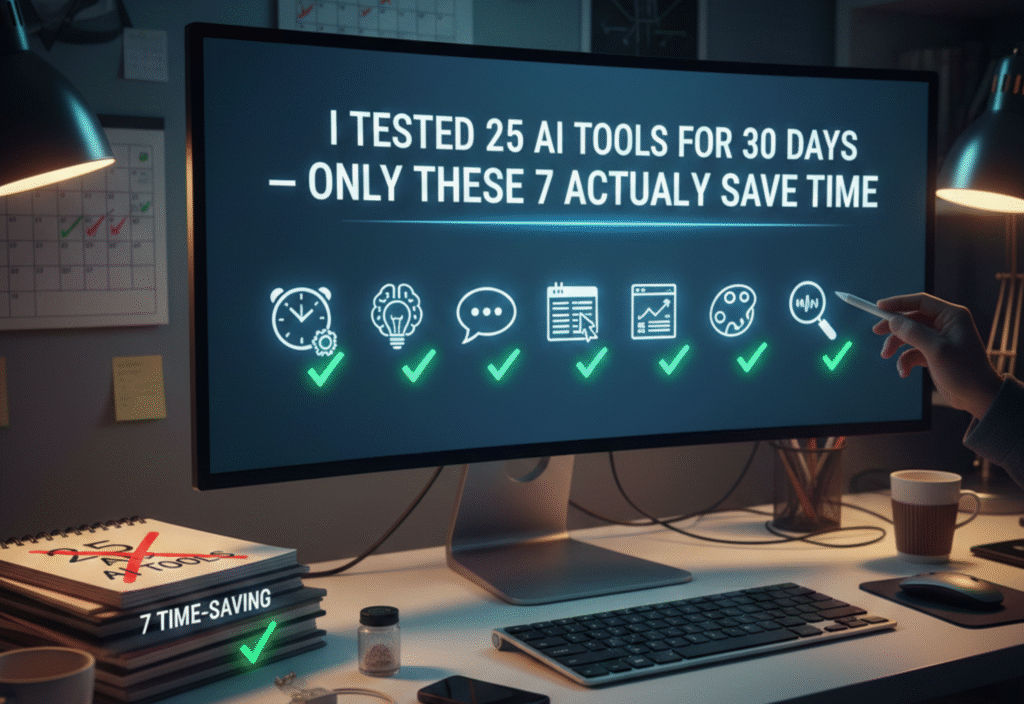
AI tools that save time are everywhere, but not all of them deliver on their promises. Over 30 days, I tested 25 popular AI tools to find out which ones truly reduce work, speed up tasks, and improve productivity. After careful evaluation, only seven tools stood out as real time-savers. Here’s what I learned from this experiment.
Why Testing AI Tools Matters
With AI rapidly integrating into our daily workflows, it’s easy to get overwhelmed by the sheer number of options. From content creation to project management, marketing, and data analysis, there’s an AI tool for nearly every task. However, hype doesn’t always translate to efficiency. Some tools claim to save hours but end up complicating workflows. My goal was simple: identify which tools genuinely save time without adding extra steps or frustration.
The Criteria for Testing
To make the testing meaningful, I evaluated each AI tool based on the following criteria:
Ease of Use: How quickly can a new user start using the tool effectively?
Accuracy: Does the tool produce reliable and high-quality results?
Time Savings: Does it significantly reduce manual effort?
Integration: Can it work seamlessly with other tools or workflows?
Cost vs Benefit: Is the time saved worth the subscription or purchase cost?
Tools that failed in multiple areas were immediately excluded from the “time-saving” list.
The 7 AI Tools That Actually Save Time
After rigorous testing, here are the seven AI tools that genuinely improved productivity:
1. ChatGPT (OpenAI)
ChatGPT has become a staple for many professionals. Whether for drafting emails, generating ideas, or summarizing long documents, it consistently saves time. Its conversational interface allows quick clarifications, reducing the need for multiple edits.
Best Use Cases: Content generation, brainstorming, customer support drafts.
Time Saved: 40–60% on writing and editing tasks.
2. Grammarly AI
Grammarly goes beyond grammar correction. Its AI suggestions for tone, clarity, and conciseness mean fewer revisions and less second-guessing. Over 30 days, Grammarly significantly sped up my email writing and content creation.
Best Use Cases: Professional emails, reports, social media posts.
Time Saved: 30–50% on writing tasks.
3. Notion AI
Notion AI combines productivity with AI-powered content generation. It helps automate meeting notes, task descriptions, and even project outlines. Unlike other tools, it integrates seamlessly into existing workflows.
Best Use Cases: Project management, note-taking, knowledge organization.
Time Saved: 25–40% on project documentation.
4. Jasper AI
Jasper AI specializes in marketing copy and content creation. During the test, it generated social media posts, ad copy, and blog drafts much faster than doing it manually.
Best Use Cases: Marketing teams, bloggers, e-commerce content.
Time Saved: 35–60% on content creation.
5. Zapier AI
Zapier’s AI features automate repetitive workflows by connecting apps and triggering actions automatically. Setting up automation requires initial effort, but once active, it saved hours each week.
Best Use Cases: Automating repetitive tasks, workflow management.
Time Saved: 2–5 hours per week depending on workflow.
6. Tome AI
Tome AI focuses on creating AI-powered presentations. By automatically designing slides, suggesting layouts, and generating content summaries, it eliminates the tedious process of slide design.
Best Use Cases: Corporate presentations, pitch decks, training materials.
Time Saved: 50–70% on presentation preparation.
7. Otter AI
Otter AI transcribes meetings in real-time and generates summaries. Instead of spending hours listening to recordings or writing notes, I could rely on Otter to create accurate summaries ready for distribution.
Best Use Cases: Meetings, interviews, lecture notes.
Time Saved: 60–80% on transcription and note-taking.
Tools That Disappointed
Not every AI tool lived up to its hype. Some were slow, produced inaccurate results, or required so much manual editing that they actually wasted time. Key disappointments included:
AI-powered image generators that required multiple iterations to get usable outputs.
Generic AI chatbots without context awareness.
Overcomplicated automation tools that demanded steep learning curves.
The lesson: more features don’t always mean more productivity.
Lessons Learned from the 30-Day Test
Specialization Matters: Tools that focus on a specific task outperform general-purpose AI platforms.
Ease of Integration is Key: Tools that fit into existing workflows save far more time.
Human Oversight is Still Important: AI accelerates tasks, but final edits and judgment calls remain crucial.
Trial and Error is Worth It: Testing multiple tools before committing saves frustration in the long run.
Conclusion
After testing 25 AI tools for 30 days, the standout seven—ChatGPT, Grammarly AI, Notion AI, Jasper AI, Zapier AI, Tome AI, and Otter AI—proved that not all AI tools are created equal. These tools truly save time, improve productivity, and reduce repetitive tasks.