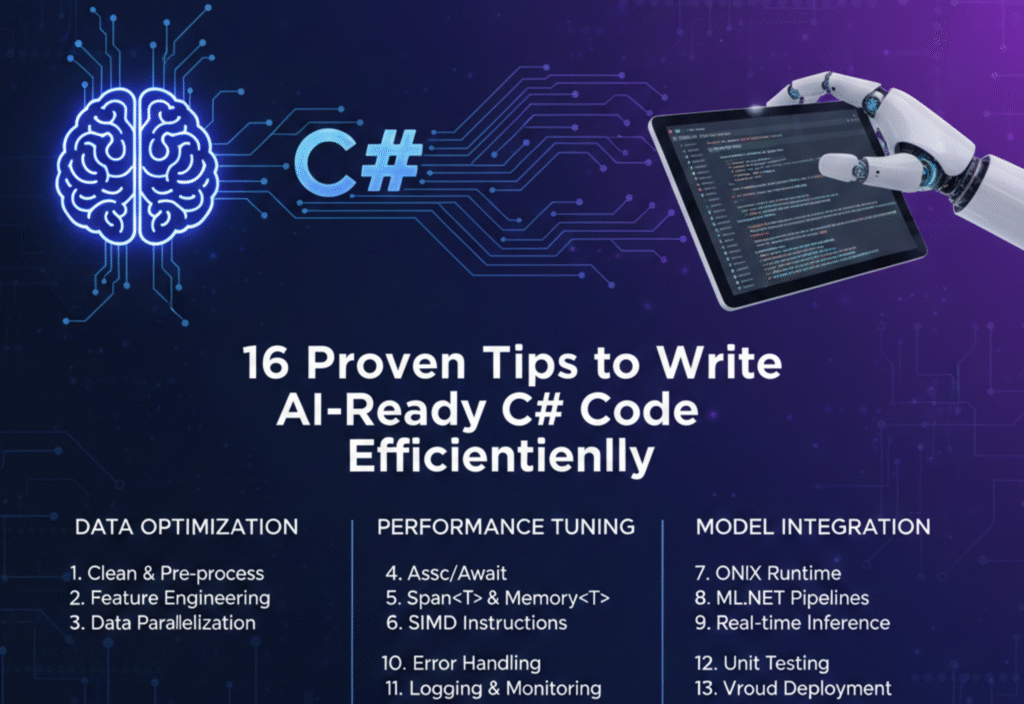
Artificial Intelligence is no longer limited to research labs or big tech companies. Today, AI-powered features are becoming a standard part of modern software applications. If you are a C# developer, writing AI-ready code is essential to ensure scalability, performance, and seamless integration with machine learning models.
This guide covers 16 proven tips to help you write efficient, maintainable, and AI-ready C# code that aligns with modern development practices.
1. Follow Clean Code Principles from the Start
AI systems often evolve rapidly. Clean, readable code makes it easier to update logic, replace models, or integrate new AI components.
Use meaningful class and method names
Avoid unnecessary complexity
Keep functions short and focused
Clean code reduces technical debt and improves long-term AI maintainability.
2. Design with Modularity in Mind
AI-ready applications should be modular. Separate AI logic from core business logic so models can be updated without breaking the entire system.
Use:
Interfaces for AI services
Dependency injection
Independent AI modules
This allows flexibility when switching between AI providers or algorithms.
3. Use Dependency Injection Consistently
Dependency Injection (DI) is essential for AI-ready C# code. It enables easy testing, configuration changes, and AI model replacement.
Benefits include:
Loose coupling
Improved testability
Easier AI experimentation
ASP.NET Core’s built-in DI framework works perfectly for AI-based services.
4. Write Asynchronous Code for AI Operations
AI tasks like inference, API calls, or data processing can be time-consuming. Always use async programming to keep applications responsive.
Use:
asyncandawaitTask-based programming
This improves performance and prevents thread blocking in AI-heavy workloads.
5. Optimize Data Handling and Preprocessing
AI systems depend heavily on data quality. Efficient data handling improves both performance and accuracy.
Best practices:
Validate input data
Normalize and preprocess efficiently
Avoid redundant transformations
Well-structured data pipelines make AI integration smoother.
6. Implement Strong Error Handling
AI models can fail due to invalid inputs, network issues, or unexpected outputs. Your C# code should handle these gracefully.
Use structured exception handling
Log AI-related failures separately
Provide fallback logic when AI fails
This ensures reliability in production environments.
7. Use Logging and Monitoring Strategically
AI-ready systems need visibility. Logging helps track model behavior, performance, and unexpected results.
Track:
Input and output summaries
Execution time
Error patterns
This data is valuable for debugging and improving AI performance.
8. Write Testable Code for AI Components
Testing AI logic directly can be complex, but surrounding code must be testable.
Tips:
Mock AI services
Test preprocessing and postprocessing logic
Validate edge cases
This improves system stability even when AI models evolve.
9. Keep Configuration External
AI parameters, model endpoints, and thresholds should never be hard-coded.
Use:
appsettings.jsonEnvironment variables
Secure configuration stores
External configuration allows quick updates without redeploying the application.
10. Ensure Scalability from Day One
AI workloads can grow fast. Your C# application should scale efficiently.
Consider:
Stateless AI services
Horizontal scaling
Cloud-native architectures
Scalable design prevents performance bottlenecks in AI-driven apps.
11. Optimize Performance-Critical Code Paths
AI-related computations can be expensive. Optimize performance-sensitive areas.
Minimize memory allocations
Use efficient data structures
Cache AI results when possible
Small optimizations can significantly improve AI response times.
12. Secure AI Inputs and Outputs
AI-ready applications must be secure. Validate all inputs to prevent misuse or attacks.
Security tips:
Sanitize user input
Avoid exposing raw AI outputs
Apply access controls to AI endpoints
Security becomes even more critical when AI decisions affect users directly.
13. Prepare for Model Updates and Retraining
AI models change frequently. Your C# code should support seamless updates.
Use versioned APIs
Abstract model dependencies
Maintain backward compatibility
This allows continuous AI improvement without breaking functionality.
14. Follow SOLID Principles
SOLID principles help build flexible and maintainable AI-ready code.
Key benefits:
Easier AI feature expansion
Reduced coupling
Better long-term maintainability
SOLID architecture is especially valuable in AI-driven applications.
15. Document AI-Related Code Clearly
AI logic can be complex and non-obvious. Documentation helps future developers understand intent and behavior.
Document:
AI assumptions
Input/output expectations
Decision-making logic
Good documentation reduces onboarding time and mistakes.
16. Stay Updated with AI and .NET Ecosystem
AI development evolves quickly. Staying updated ensures your C# code remains future-ready.
Follow:
.NET updates
AI libraries and SDKs
Best practices in AI engineering
Continuous learning keeps your applications competitive.
Final Thoughts
Writing AI-ready C# code is not just about integrating machine learning models. It’s about building clean, scalable, secure, and maintainable software that can adapt as AI technology evolves.