
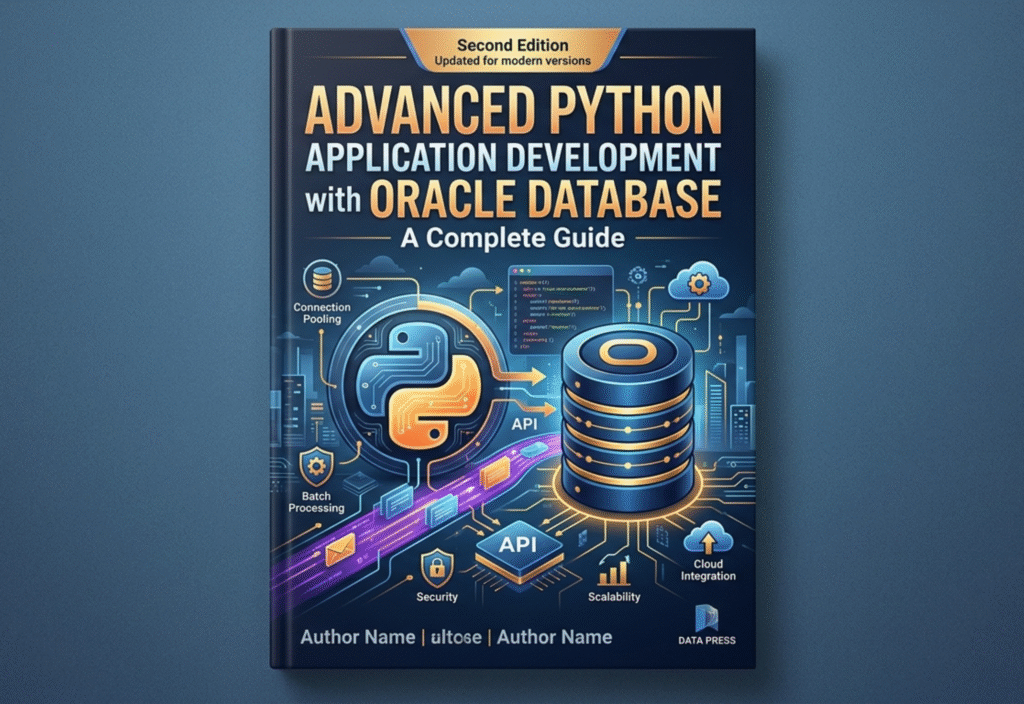
In the world of modern software engineering, building applications that are both powerful and scalable is no longer optional—it is essential. Businesses today handle massive amounts of data, require fast processing, and demand secure systems that can support thousands of users simultaneously.
To achieve this, developers often rely on a combination of a flexible programming language and a robust database system. One of the most effective combinations is Python with Oracle Database.
Python provides simplicity, readability, and rapid development capabilities, while Oracle Database delivers enterprise-grade performance, scalability, and reliability. Together, they form a powerful foundation for advanced application development.
This guide explores how to build advanced Python applications integrated with Oracle Database, covering setup, architecture, coding techniques, performance optimization, and best practices.
Understanding the Power of Python and Oracle Integration
Before diving into development, it is important to understand why this combination is widely used in industries such as banking, finance, healthcare, and e-commerce.
Python is known for:
- Simple and readable syntax
- Large ecosystem of libraries
- Strong support for automation and data processing
- Rapid development capabilities
Oracle Database is known for:
- High performance with large datasets
- Advanced security features
- Reliable transaction management
- Enterprise-level scalability
When combined, they allow developers to build applications that are efficient, secure, and capable of handling real-world enterprise workloads.
Setting Up the Development Environment
To start building applications, you must properly configure your environment.
1. Install Python
Download and install the latest version of Python from the official website. Ensure that the installation path is added to your system environment variables.
2. Install Oracle Database or Access It Remotely
You can use:
- Local installation of Oracle Database
- Cloud-based Oracle services
Ensure you have proper credentials (username, password, and DSN).
3. Install Required Python Library
To connect Python with Oracle Database, you need the official driver:
- oracledb (modern replacement of cx_Oracle)
Install it using:
pip install oracledb
Establishing a Secure Database Connection
A secure and stable connection is the backbone of any database-driven application.
Example:
import oracledb
connection = oracledb.connect(
user=”admin”,
password=”password123″,
dsn=”localhost/XEPDB1″
)
print(“Connected successfully”)
Best Practices for Connections:
- Never hardcode credentials in production
- Use environment variables
- Implement secure authentication
- Handle connection errors properly
Advanced Database Architecture Design
A well-designed database structure improves performance and maintainability.
Key Concepts:
- Normalization: Reducing data redundancy
- Indexing: Speeding up queries
- Relationships: Defining connections between tables
- Constraints: Ensuring data integrity
Example Table:
cursor = connection.cursor()
cursor.execute(“””
CREATE TABLE products (
product_id NUMBER PRIMARY KEY,
product_name VARCHAR2(100),
price NUMBER
)
“””)
A good schema ensures faster queries and better scalability.
Performing Advanced CRUD Operations
CRUD operations are the foundation of all database applications.
Insert Multiple Records:
cursor.executemany(“””
INSERT INTO products (product_id, product_name, price)
VALUES (:1, :2, :3)
“””, [
(1, ‘Laptop’, 1000),
(2, ‘Mouse’, 20),
(3, ‘Keyboard’, 50)
])
connection.commit()
Fetch Data Efficiently:
cursor.execute(“SELECT * FROM products”)
rows = cursor.fetchall()
for row in rows:
print(row)
Update Records:
cursor.execute(“””
UPDATE products
SET price = 1200
WHERE product_id = 1
“””)
connection.commit()
Delete Records:
cursor.execute(“””
DELETE FROM products
WHERE product_id = 3
“””)
connection.commit()
Using Transactions for Data Integrity
Transactions ensure that your database remains consistent even if errors occur.
Example:
try:
cursor.execute(“INSERT INTO products VALUES (4, ‘Monitor’, 200)”)
connection.commit()
except:
connection.rollback()
Key Points:
- Use commit() to save changes
- Use rollback() to undo changes
- Always handle exceptions properly
Stored Procedures and PL/SQL Integration
Oracle supports advanced programming through PL/SQL.
Example Stored Procedure:
CREATE OR REPLACE PROCEDURE get_product_price (
p_id IN NUMBER,
p_price OUT NUMBER
) AS
BEGIN
SELECT price INTO p_price
FROM products
WHERE product_id = p_id;
END;
Calling from Python:
cursor.callproc(“get_product_price”, [1, 0])
This helps in reducing load on the application side and improves performance.
Advanced Error Handling Techniques
Handling errors is crucial in production systems.
try:
connection = oracledb.connect(…)
except oracledb.DatabaseError as error:
print(“Error occurred:”, error)
finally:
if connection:
connection.close()
Benefits:
- Prevents crashes
- Improves stability
- Helps debugging
Connection Pooling for High Performance
Connection pooling allows reuse of database connections, reducing overhead.
pool = oracledb.create_pool(
user=”admin”,
password=”password123″,
dsn=”localhost/XEPDB1″,
min=2,
max=10,
increment=1
)
connection = pool.acquire()
Advantages:
- Faster response time
- Reduced resource usage
- Better scalability
Optimizing Queries for Performance
Poorly written queries can slow down your entire application.
Optimization Techniques:
- Use indexes on frequently queried columns
- Avoid SELECT * queries
- Use JOINs efficiently
- Limit data using WHERE clauses
- Analyze execution plans
These techniques significantly improve performance.
Building Real-World Applications
Python with Oracle can be used to build:
- Enterprise management systems
- Financial applications
- Data analytics platforms
- Inventory management systems
- Web applications
Example Stack:
- Backend: Python
- Database: Oracle
- Framework: Flask or Django
This combination is widely used in enterprise environments.
Security Best Practices
Security is critical when working with databases.
- Use parameterized queries
- Avoid SQL injection
- Encrypt sensitive data
- Use strong authentication
- Restrict database access
Example of safe query:
cursor.execute(“SELECT * FROM users WHERE id = :id”, {“id”: 1})
Logging and Monitoring
Logging helps track application behavior.
- Log errors and warnings
- Monitor database performance
- Track user activities
This is essential for debugging and system optimization.
Scaling Your Application
To scale your application:
- Use connection pooling
- Optimize database queries
- Use caching mechanisms
- Deploy on cloud infrastructure
- Implement load balancing
These strategies ensure your system handles growth efficiently.
Conclusion
Developing advanced applications using Python and Oracle Database provides a powerful, scalable, and secure solution for modern software systems.
By mastering database connections, transactions, stored procedures, and optimization techniques, developers can build enterprise-level applications capable of handling large-scale operations.
Python simplifies development, while Oracle ensures reliability and performance—making this combination one of the best choices for professional application development.
With the right approach, you can create systems that are not only efficient but also future-ready.

