
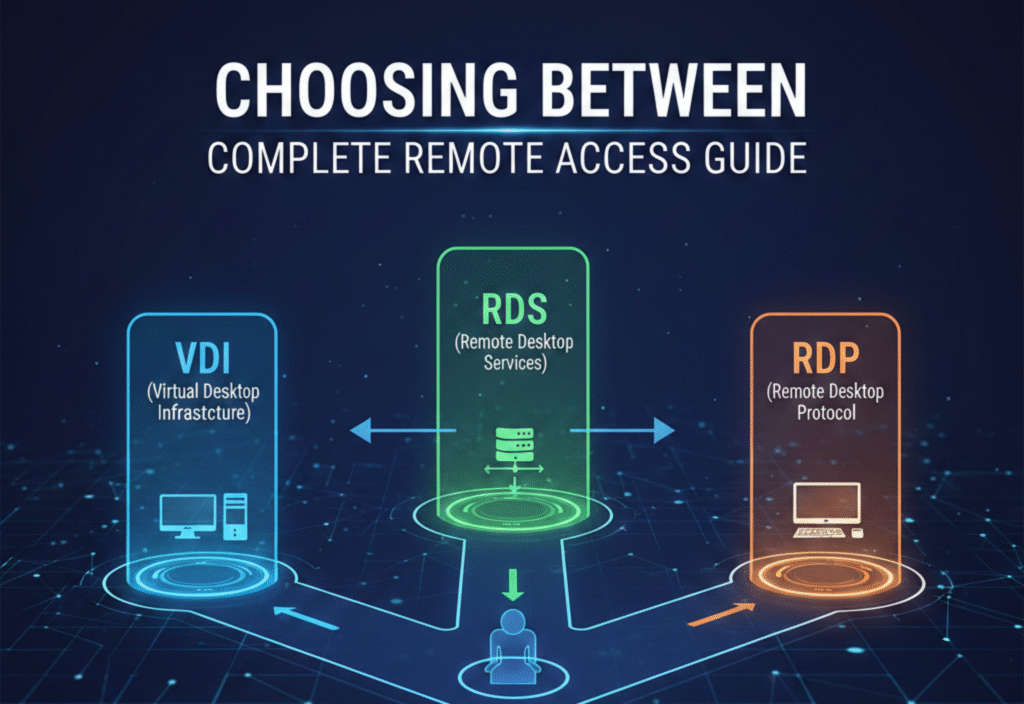
In today’s digital world, understanding VDI RDS RDP is essential for businesses and teams who need reliable remote access solutions. These technologies allow employees to work efficiently from anywhere while maintaining security, performance, and flexibility. Choosing the right remote access solution can save organizations time, reduce costs, and improve operational efficiency.
This guide provides a complete overview of VDI RDS RDP, their differences, advantages, disadvantages, and best use cases.
What is VDI? Understanding Virtual Desktops and RDS/RDP Options
Virtual Desktop Infrastructure (VDI) hosts desktop environments on centralized servers. Each user gets a dedicated virtual machine (VM) running a complete desktop operating system, giving them a personal desktop experience delivered remotely.
Key Features of VDI
Fully isolated virtual desktops for each user
Centralized management of applications, updates, and security
Supports multiple operating systems and software
High customization for individual users
Pros of VDI
Personalized and secure environment for each user
Centralized maintenance reduces IT workload
Ideal for enterprises handling sensitive data
Cons of VDI
Higher costs for servers and licensing
Requires robust hardware and storage
Complex deployment compared to other solutions
Best Use Cases
Large enterprises with strict security requirements
Organizations needing isolated desktop environments
Businesses using resource-intensive or OS-specific applications
What is RDS? Key Differences in Remote Desktop Services and VDI/RDP
Remote Desktop Services (RDS) is a Microsoft solution that allows multiple users to access a shared Windows Server environment. Users share the same operating system but run separate sessions, making RDS more cost-effective than VDI.
Key Features of RDS
Multiple users share a single server environment
Centralized management of applications and sessions
Supports remote applications or full desktops
Pros of RDS
Lower cost compared to VDI
Easier deployment and maintenance
Works well for standard business applications
Cons of RDS
Limited personalization for users
Performance may degrade with many simultaneous users
Less isolation for sensitive workloads
Best Use Cases
SMBs with standard workflows
Companies accessing shared applications like ERP or CRM
Organizations with smaller IT budgets
What is RDP? Role in Remote Access via VDI and RDS
Remote Desktop Protocol (RDP) is the Microsoft protocol that enables users to connect to another computer or server remotely. While RDP is not a full solution by itself, it powers both VDI and RDS connections.
Key Features of RDP
Secure protocol for remote desktop and app access
Encrypted communication ensures safety
Supports connection to PCs, VDI desktops, or RDS sessions
Pros of RDP
Built into Windows and free to use
Lightweight and easy to set up
Flexible for personal or business use
Cons of RDP
Security risks if exposed directly to the internet
Performance depends on network and server resources
Not designed for large-scale deployment alone
Best Use Cases
Individual remote access to computers or servers
Connecting to VDI or RDS environments
IT support and troubleshooting scenarios
Key Differences Between VDI, RDS, and RDP
| Feature | VDI | RDS | RDP |
|---|---|---|---|
| User Environment | Dedicated VM per user | Shared server sessions | Connects to PC, VDI, or RDS remotely |
| Cost | High | Moderate | Low (protocol only) |
| Customization | High | Low | Depends on connected system |
| Security | Strong, isolated per user | Moderate | Depends on server setup |
| Performance | High, dedicated resources | Shared, may degrade with more users | Depends on network/server |
| Best For | Enterprises needing isolated desktops | SMBs with standard applications | Individuals, IT support, remote work |
How to Choose the Best Remote Access Solution (VDI, RDS, or RDP)
Assess Your Needs
Determine whether users need isolated desktops or just access to shared applications.Evaluate Budget and Resources
VDI requires more investment due to dedicated infrastructure, RDS is cost-effective, and RDP is the cheapest option but limited in scale.Consider Security Requirements
VDI offers strong isolation, RDS moderate security, and RDP depends on proper configuration and encryption.Plan for Scalability
RDS can handle multiple users easily, VDI requires more servers, and RDP is limited to specific machines or environments.Test Performance
Conduct pilot testing to ensure smooth operation, especially over varying network speeds.
Conclusion
Selecting the right VDI RDS RDP solution depends on your organization’s size, budget, security needs, and workflow requirements:
VDI: Best for enterprises requiring isolated desktops and strong security.
RDS: Ideal for SMBs needing cost-effective shared desktop solutions.
RDP: Perfect for individuals, IT support, or as a gateway to VDI/RDS.
Understanding these remote access technologies ensures teams stay productive, IT remains manageable, and sensitive data stays secure—no matter where work happens.

